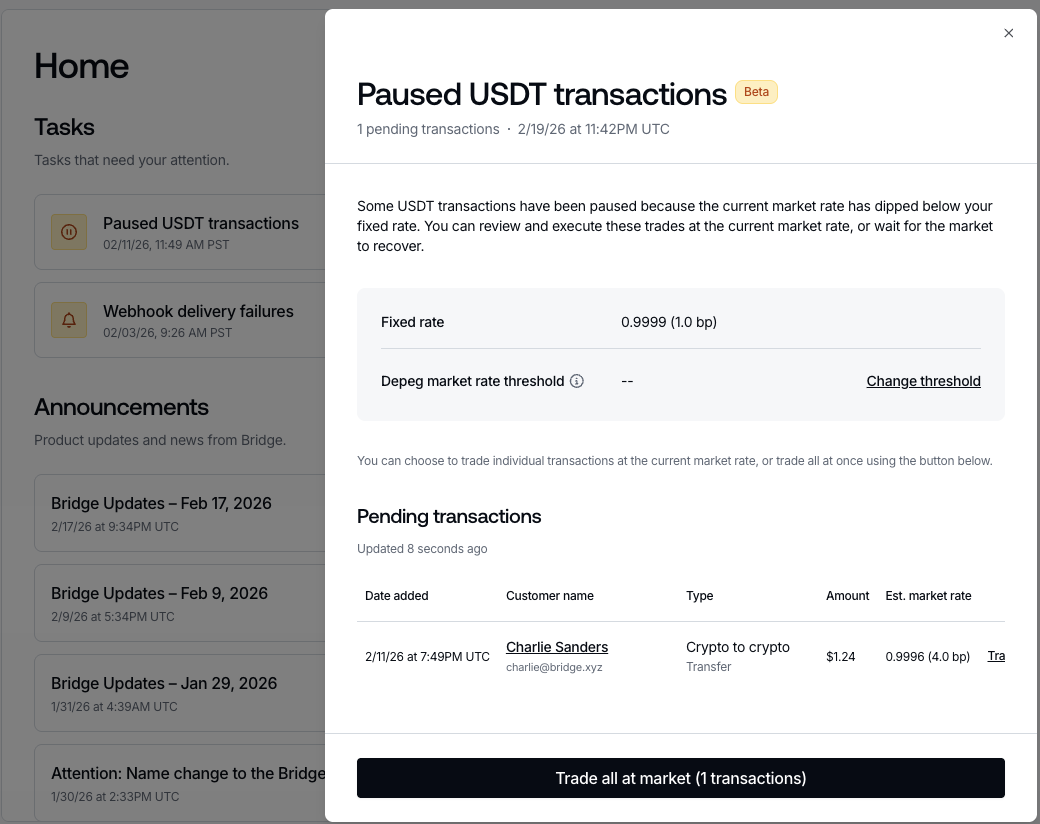
- View which transfer and liquidation address trades are stuck
- View the estimated market rate these trades would execute at
- Execute at market rate to complete the transaction.
- Set a threshold that triggers market execution if the market rate drops below the fixed rate.
Get Stuck Trades
- Transfer:
/transfers/pending - Liquidation Address:
/liquidation_addresses/drains/pending - To check the specific parameters required to source stuck trades from these endpoints, please reference List Pending Transfers and List Pending Drains.
- Response:
Post Execute Trades
- Transfer:
/transfers/{transfer_id}/execute - Liquidation Address:
/v0/customers/{customer-id}/liquidation_address/ea06c74c-b1ab-4f24-ba82-16fb950f9081/drains/218f5fc9-9c94-4a08-9f37-bd58688f8382/execute - Response:
- When executing a trade, it will take 1 minute to complete. During this period the response of the Transfer/Liqudiation Address Drain will include “
trade_at_market”: true
Get Responses For Each State
- State: funds_received
- State: funds_received - After Post Execute Trade
- State: payment_submitted
- State: payment_processed
Market Rate Threshold Endpoint
This threshold is the range developers can set to automatically execute trades at market rate should the market rate dip below their fixed rate.Ex. if developers fixed rate is 10 bps (0.999), developer can set their threshold to 15 bps (0.9985):
- Anything between 0.9985-0.999 will automatically execute at market rate (instead of being stuck and require manual execution).
- If market rate dips beyond 15bps, trades will get stuck (and they will be available to execute at market).
Enable Threshold
/developer/trade_configurations- Response:
Get Threshold
/developer/trade_configurations/usdt- Response:
Update/Disable Threshold
/developer/trade_configurations- Response:
Notifications
While developers can monitor webhooks from/transfers/pending/liquidation_addresses/drains/pending
Dashboard
When a developer has USDT trades that are stuck, we present them with task “Paused USDT transactions” on their Home view: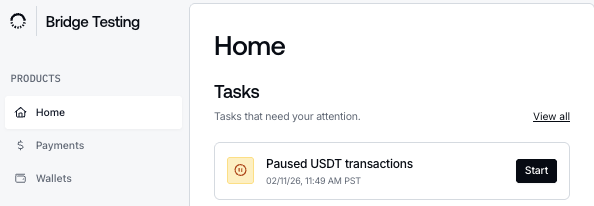
- View/set depeg market rate threshold (in Settings),
- View/trade specific stuck trades at the market rate,
- Trade all stuck trades at the market rate.